
Food and Beverage guide
Food and beverage maintenance, coordinating batch windows and handoffs
Plan food and beverage maintenance in Wular Works with equipment histories, changeover jobs, inspection evidence and clear production handoffs.
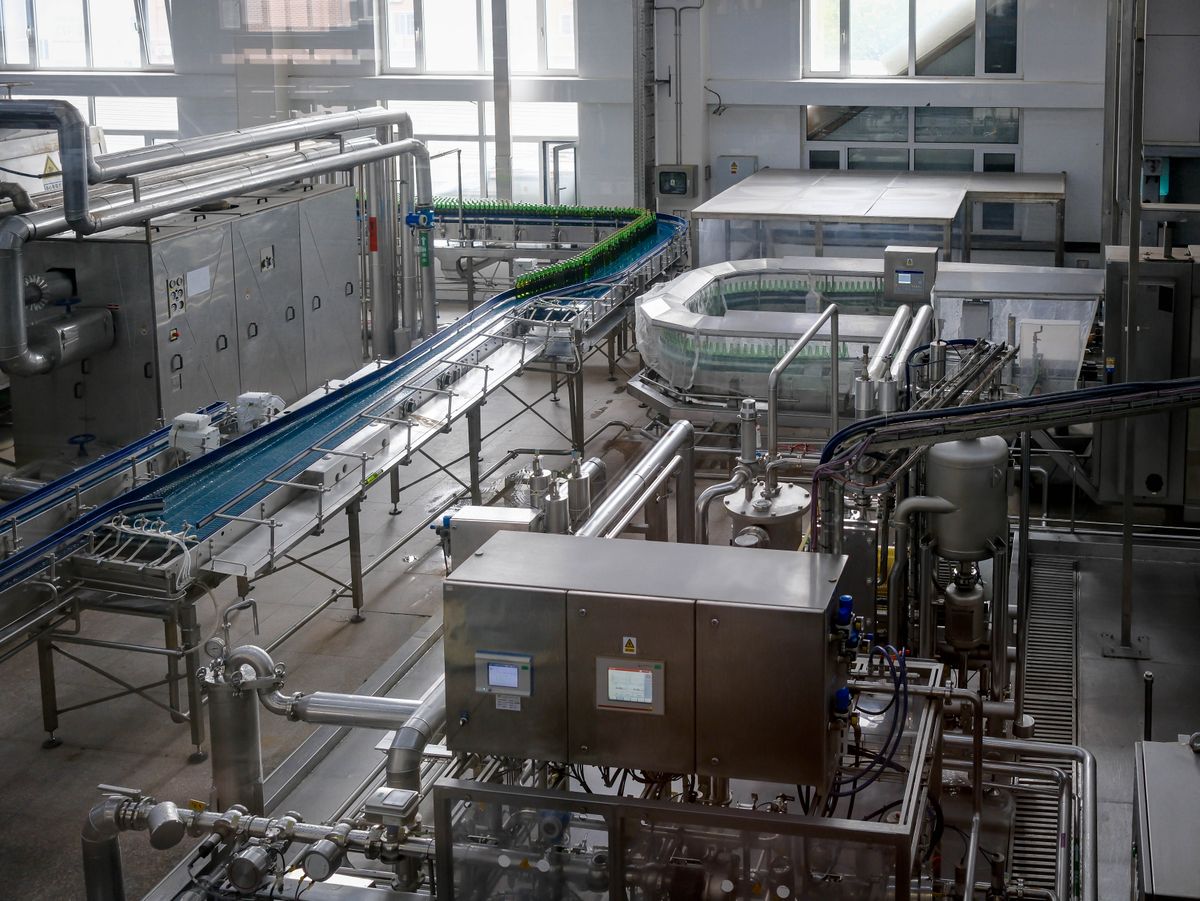
How can Food and Beverage teams use Wular Works?
Food and beverage teams can use Wular Works to organise packaging assets, schedule jobs between batches and record the checks and evidence required for a maintenance handoff. Build the workflow around the site’s approved procedures, assign the review to the responsible people and retain the completed record against the equipment.
Map maintenance to the production and packaging areas
Start with locations people recognise during a busy shift, such as bottling hall, filler line and cold room. Create individual records for fillers, cappers, conveyors and refrigeration units. Attach the current service documents and assign a clear asset code. A reference to “the filler” becomes much less ambiguous when several lines run different products.
Choose one line for the first rollout. Confirm its equipment list with engineering and production, including the point where one team hands responsibility to the other. Keep the records specific enough for a visiting technician to find the unit and review its previous work.
Fit jobs into washdown and changeover windows
A line lead identifies a gap after the final batch and before the next production run. The maintenance planner checks open work for the packaging area and schedules the relevant repair in that window. The work order carries the unit, assignment and selected procedure so the shift team can prepare before the line becomes available.
Keep the planned window separate from the recorded completion. If inspection identifies additional work, describe it on the job and coordinate the next decision with production. The calendar provides a common view of scheduled maintenance, while the handoff still depends on the site’s operating process and the people responsible for it.
Capture the inspection evidence with the repair
After a filler repair, the technician completes the job’s saved checklist. Questions can request an inspection result, a value, a signature or a file. Conditional questions can ask for a photo and follow-up note when an inspection fails. Keep the evidence on the same work order so a reviewer can understand the result in context.
Write checklist questions from the approved site procedure and review them with the relevant engineering and production owners. The software stores the answers and supporting files. The site must define the acceptance criteria and who can release the equipment for its next use.
Use reading history to explain follow-up work
For a cold-room gauge, record the observation time and configured unit. A condition rule can evaluate readings against the site’s selected limits and create follow-up work with trigger evidence. Review successive readings and the resulting job together so the technician sees why the inspection was raised.
During the first month, inspect a sample of packaging jobs for complete handoff notes and retrievable evidence. Review work that missed its agreed window and readings that lacked context. Use the findings to improve the template and shift process before extending the setup to another line or cold room.
Three workflows to put into practice
Connect the guide to the modules your team will use on the job.
Prepare the line handoff
After a filler repair, the technician completes the site’s approved checklist and attaches the requested evidence for the production reviewer.
Explore checklists and proceduresSchedule a packaging repair
The line lead identifies a changeover gap. The planner schedules the capper repair in that gap so both shifts can see the planned work.
Explore maintenance calendarFollow a cold-room reading
A technician records a cold-room temperature outside the site’s configured range. The condition rule links the reading to follow-up maintenance work.
Explore condition rulesCommon questions
Can the site record sanitation handoffs?
The site can use its approved checklist, required answers and supporting files on the work order. The responsible site personnel define review and release requirements.
Can a cold-room reading create a maintenance job?
A configured condition rule can evaluate a gauge reading and link its evidence to follow-up work. The site supplies the relevant limits and response process.
Does editing a checklist change older completed jobs?
Existing work retains its saved procedure version. Select a revised template version for future jobs when the approved instructions change.