
Fleet Maintenance guide
Fleet maintenance, turning odometer readings and driver defects into workshop jobs
Plan fleet maintenance in Wular Works with vehicle histories, mileage intervals, driver-reported defects, parts reservations and service reports.
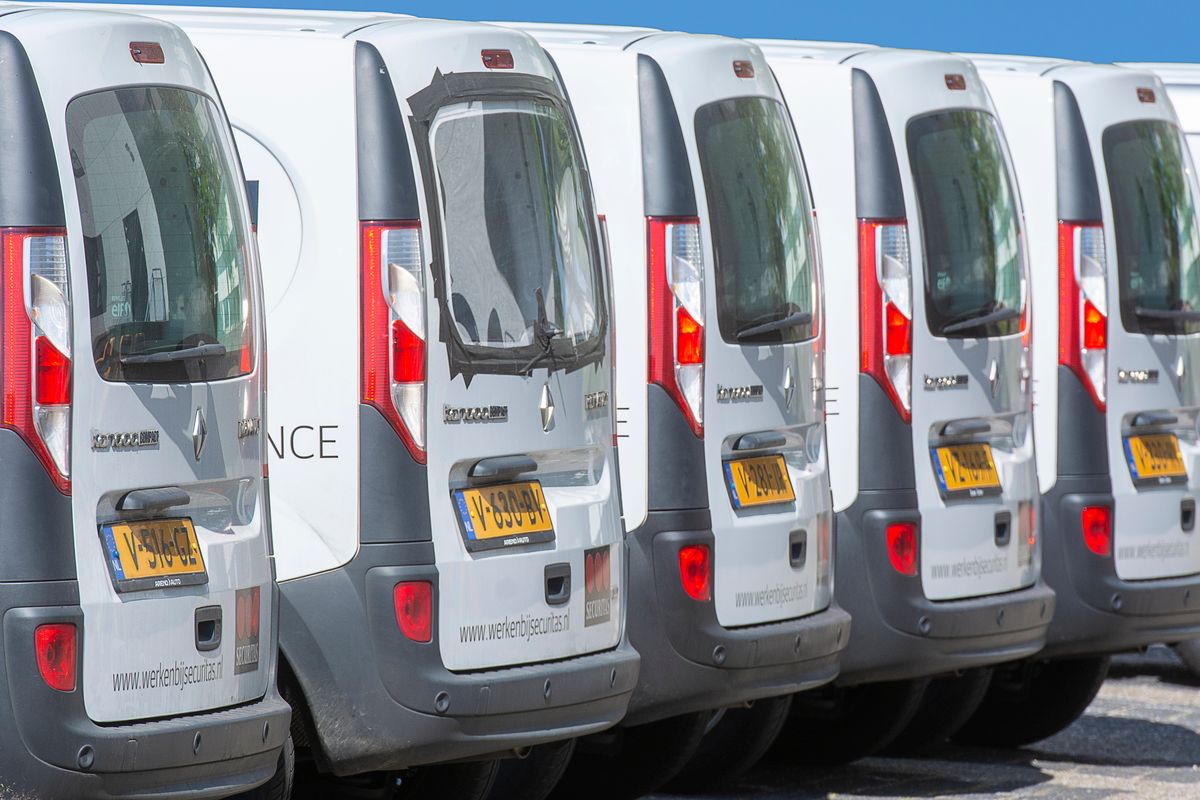
How can Fleet Maintenance teams use Wular Works?
Fleet teams can use Wular Works to give each vehicle a service history, record cumulative mileage and prepare workshop jobs from due intervals or reported defects. Identify the vehicle on every request, keep the parts and work findings on the order and retain the service report for the next visit.
Give every vehicle a dependable maintenance record
Create an individual asset record for each van, truck or other maintained vehicle. Use a distinct code that depot staff recognise and a location representing its base or workshop area. Record the manufacturer and attach the reference documents needed for the service process.
Keep similar vehicles in a consistent category, while preserving their separate histories. Verify the records against the vehicles actually returning to the depot. A report describing “the white van” should be clarified before dispatch so the workshop prepares the correct unit and service instructions.
Use odometer observations to prepare due service
Record the cumulative odometer reading when the vehicle returns or at another agreed observation point. Keep the configured unit and observation time consistent. A usage-based plan can generate work at the selected distance interval with its chosen service-template version.
The planner should review missing readings and recent generated jobs before allocating workshop slots. The schedule depends on the recorded observations. When a physical counter is replaced or reset, use the meter process appropriate to that change so the cumulative history remains understandable.
Route a driver-reported defect into a workshop order
A depot supervisor can enter a driver’s reported defect against the vehicle asset with a clear symptom description and useful evidence. Dispatch reviews the request and creates the linked workshop job. Set the assignment and priority according to the depot’s established decision process.
The technician records the finding separately from the driver’s observation. If parts are required, review the available balance and reserve the intended quantity against the order. Vehicle release decisions remain with the responsible personnel using the fleet’s operating procedures.
Close the visit with a record the next technician can use
Record the actual repair, labour and parts used. Attach the workshop or external service report to the work order. A future planner opening the vehicle’s asset record can follow the linked history to see the relevant earlier visit.
Start with one depot and a manageable vehicle group. Review whether odometer readings are timely, whether defects identify a vehicle clearly and whether completed jobs have useful findings. Establish a consistent weekly review before increasing the rollout. Use actual service records as the basis for targets and planning changes.
Three workflows to put into practice
Connect the guide to the modules your team will use on the job.
Service by distance travelled
Log each van’s odometer against its asset record. A kilometre-based plan creates service work when the next interval falls due.
Explore maintenance plansFollow up on a driver defect
A depot supervisor records the driver’s report against the vehicle code. Dispatch reviews the defect and creates a linked workshop job.
Explore work requestsKeep a vehicle service history
After the visit, attach the workshop report to the job and use the vehicle’s asset record to find earlier services.
Explore assetsCommon questions
Can service be generated by kilometres travelled?
Yes. Record a cumulative odometer meter and use a distance interval in the vehicle’s maintenance plan. Keep the readings in the configured unit.
How can a driver’s defect reach the workshop?
A signed-in depot supervisor can record the report as a work request. Dispatch reviews it and creates a linked job against the vehicle.
Where can the team find an external workshop report?
Attach it to the relevant work order and access that order through the vehicle’s maintenance history.